English · 简体中文 · Español · Français · Deutsch · Português · Русский · 日本語 · 한국어 · العربية · हिन्दी · বাংলা





Open source under AGPLv3. No telemetry. No ads. No account.
Terminal transparency over a live device wallpaper (MagicFluids), running on the phone.
Download
| Channel | Notes |
|---|---|
| F-Droid | Built from source, auto-updated, recommended for most users. |
| GitHub Releases | Signed APKs (arm64, armv7 & x86_64), released first, same features as F-Droid. |
Same features either way. Minimum Android 8.0 (API 26).
Pick one channel and stay on it. GitHub Releases and F-Droid are signed with different keys (GitHub uses Haven’s own release key; F-Droid signs with its per-app key), so Android treats them as separate apps — you can’t update in place from one to the other. Switching channels needs an uninstall + reinstall, which clears app data, so back up first via Settings → Backup. Obtainium and direct sideloads track the GitHub Releases key.
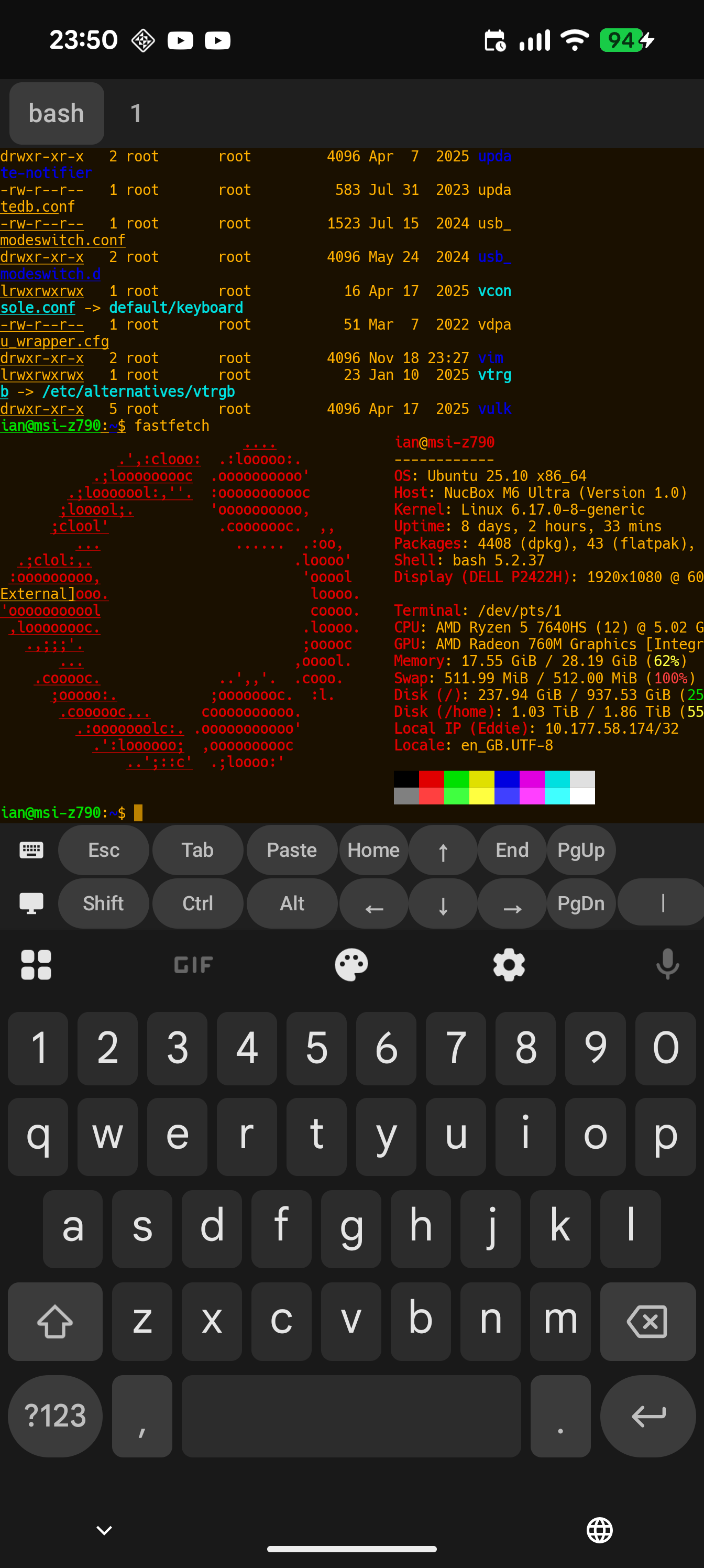
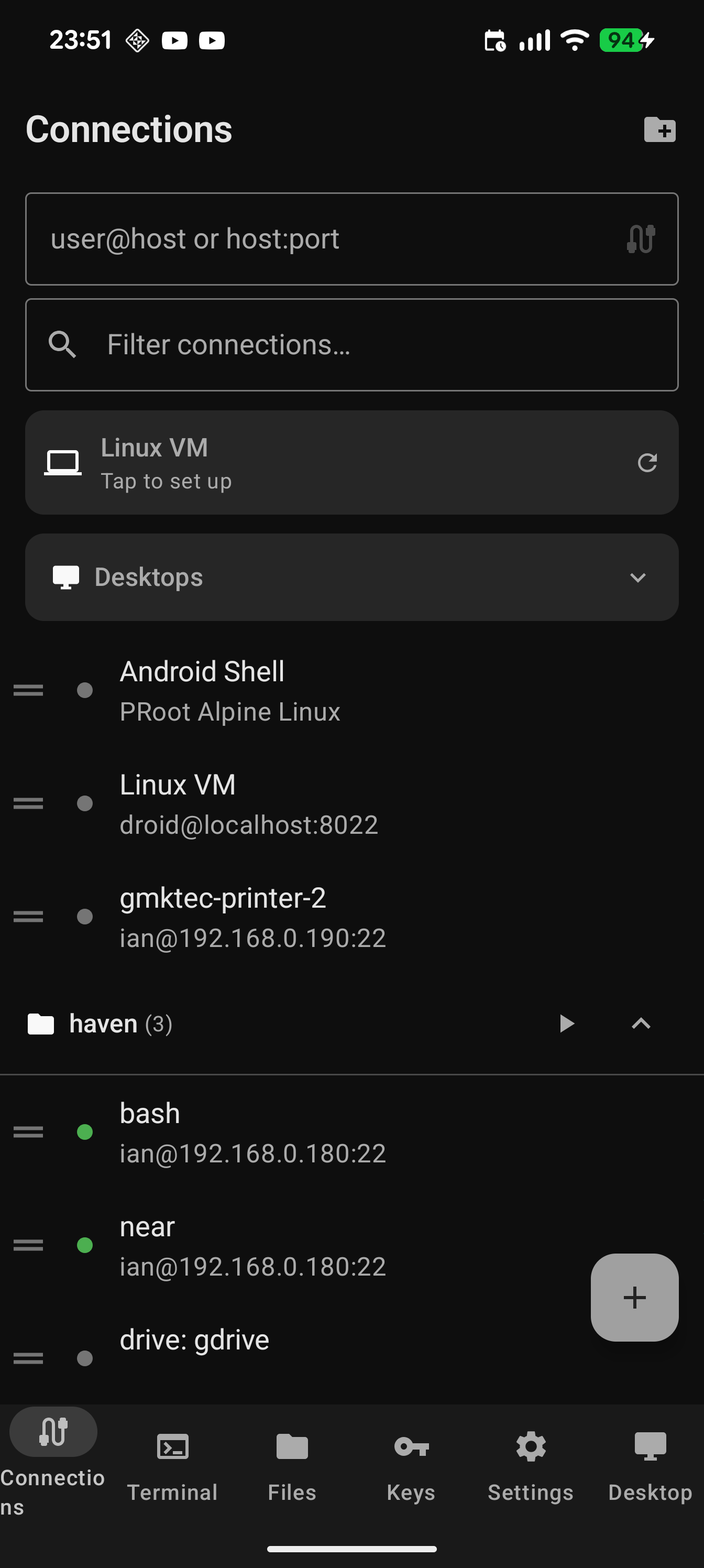
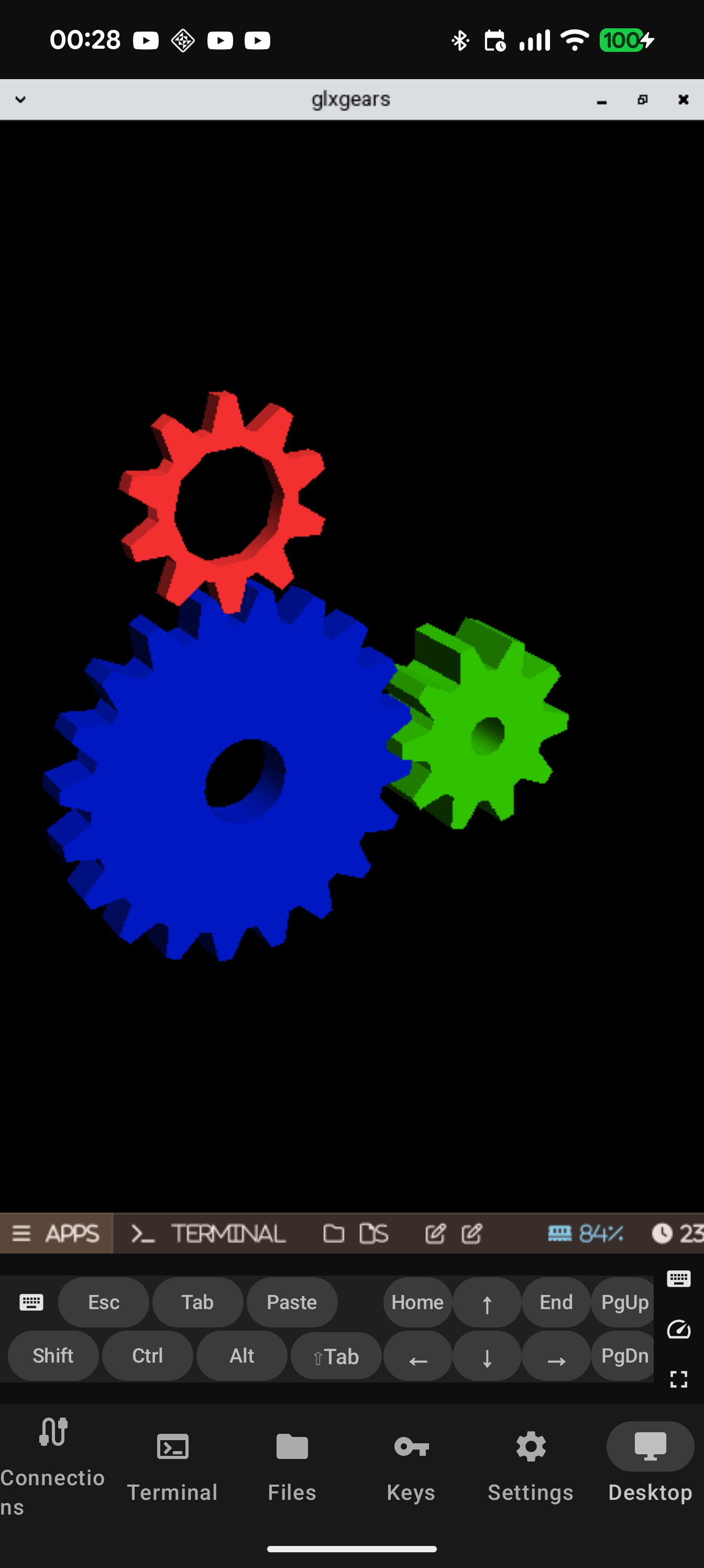
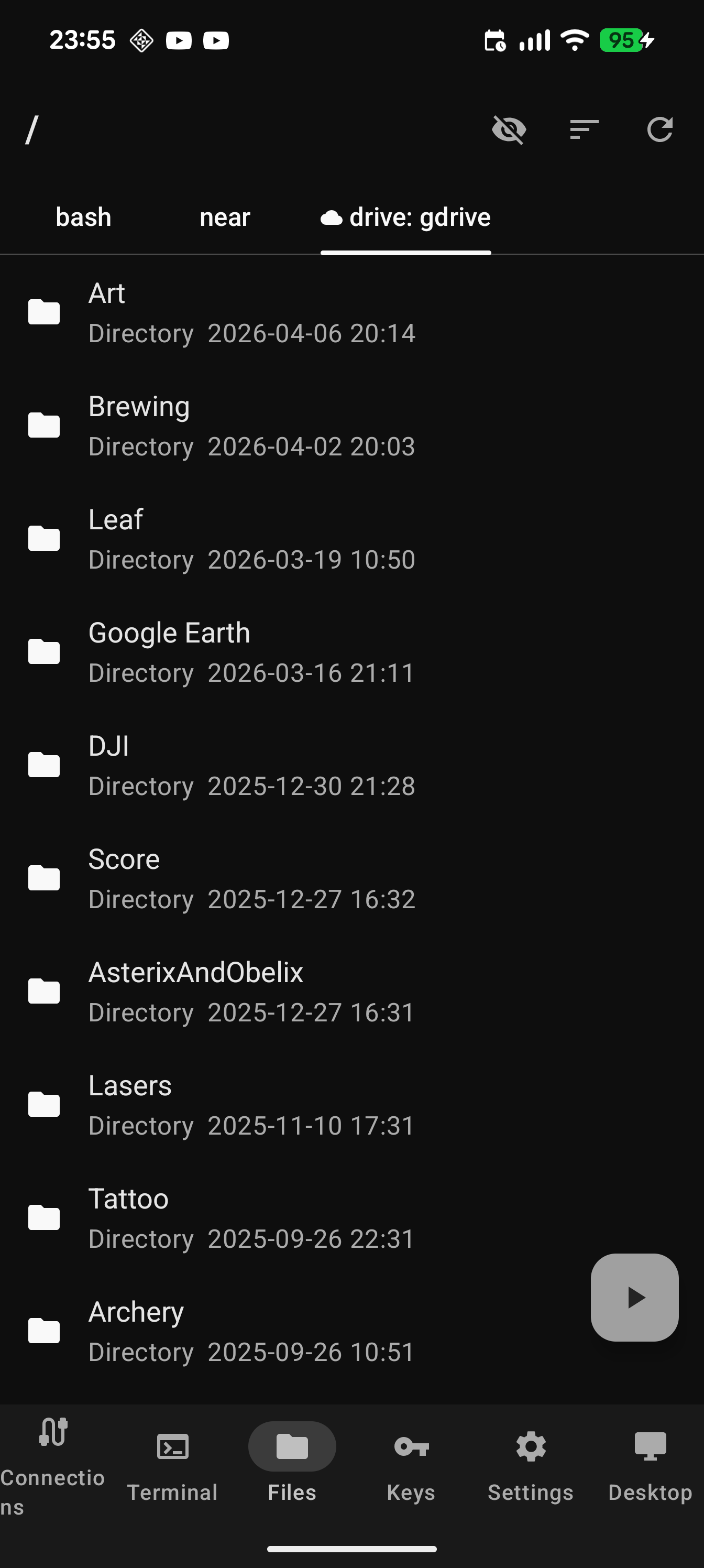
Screenshots
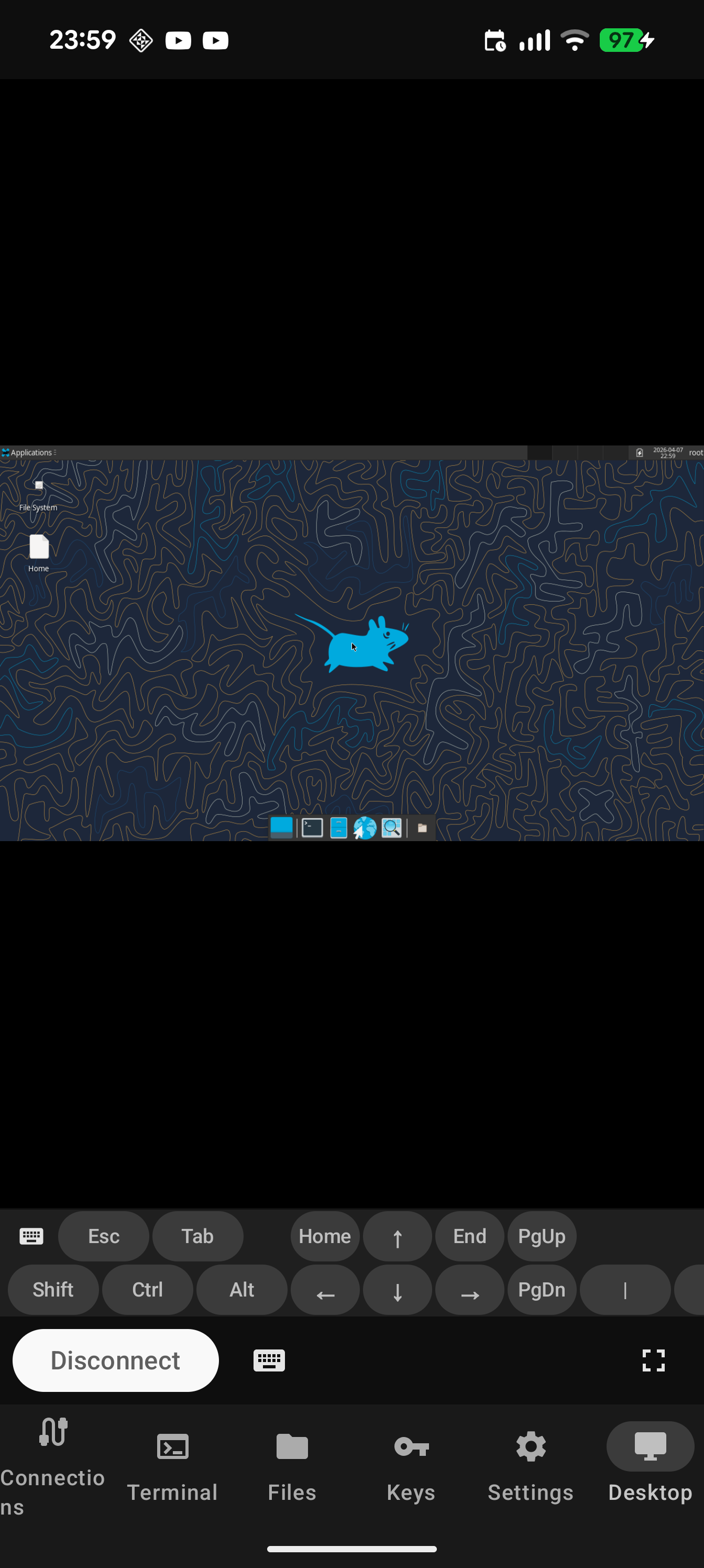
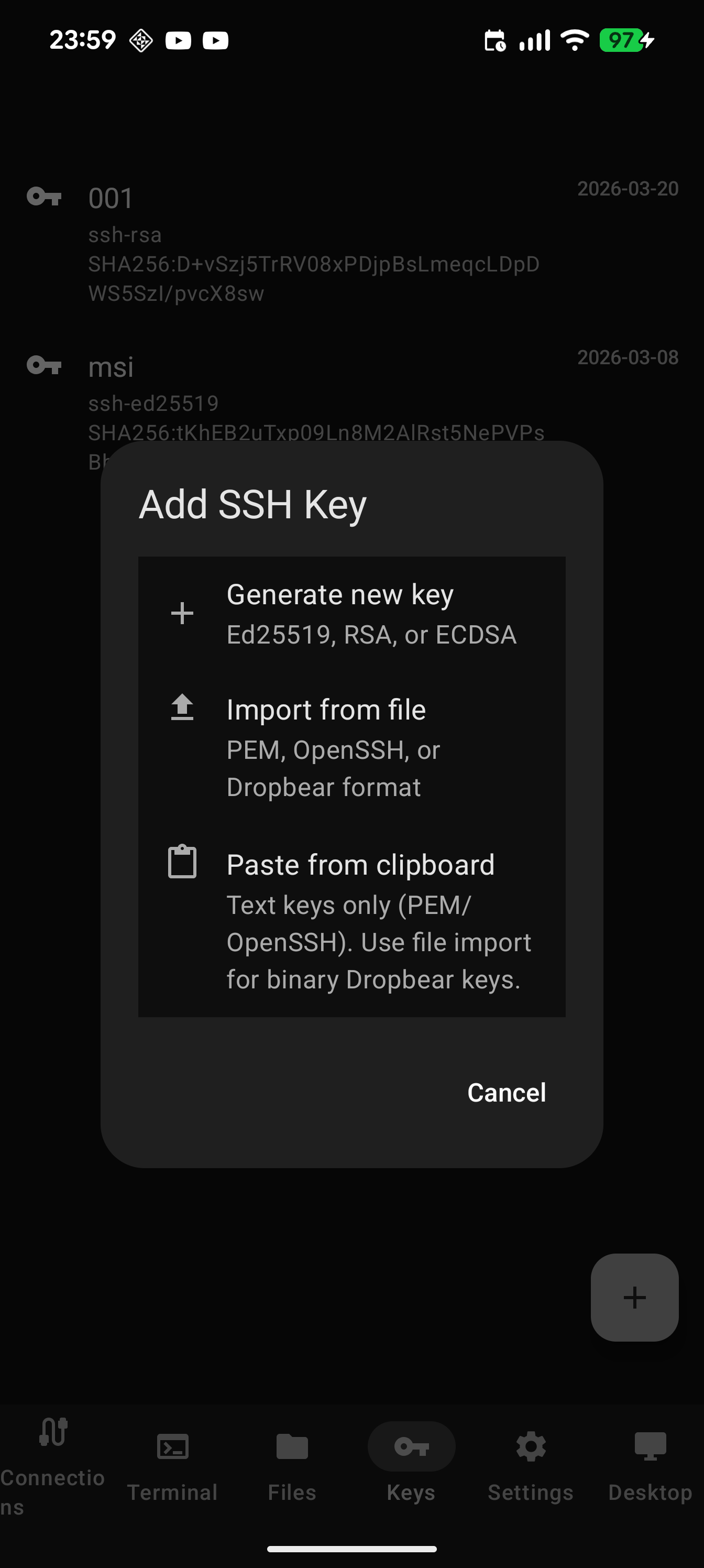
At a glance
- Terminal — Mosh / Eternal Terminal / SSH, USB / Bluetooth / BLE serial consoles with a serial↔TCP bridge, tmux session restore, configurable keyboard toolbar, OSC 7/8/9/52/133/777 integration.
- Desktops — VNC (RFB 3.8 / VeNCrypt), RDP (IronRDP + EGFX), SPICE (QEMU/KVM, GLZ/QUIC), a GPU-accelerated native Wayland compositor, and a multi-distro local-desktop manager.
- Files & cloud — SFTP/SCP, SMB, 60+ cloud providers (rclone), cross-filesystem copy/move; plus FFmpeg transcode, HLS, and DLNA.
- Connections — port forwarding (-L/-R/-D/-J), SOCKS/HTTP/Tor proxies, per-app WireGuard & Tailscale tunnels, port knocking + fwknop SPA, SSH keys & FIDO2.
- Email — ProtonMail + IMAP/SMTP, compose/reply/forward, multi-account, Mail Rules automation.
- Local Linux — Alpine / Debian / Arch / Void via PRoot, side-by-side, no root required.
- USB forwarding — broker a USB device to the agent, the Linux guest, or a remote host over USB/IP.
- Reticulum — rnsh shell, file transfer, and
-L/-Dforwarding over mesh. The one transport that keeps working with no internet at all. - Agent transport (MCP) — ~230 consent-gated tools; the agent can even drive Haven’s own UI.
- Security — biometric lock, no telemetry, encrypted backup/restore (AES-256-GCM).
Browse the full feature index.
Why one app
The list above is the parts; the point is how they compose. Each of these is one flow inside Haven — no second app, no curl | ssh incantation:
- Tap a 4K MKV in Google Drive → FFmpeg transcodes it over HTTP and the result lands back in the same Drive folder, never touching local disk.
- SSH to a box, forward its port, tap the VNC profile that targets
localhost— the desktop opens in the same app, keyboard and clipboard shared. - Cut a log directory from an S3 bucket, switch tabs, paste it onto an SFTP server — rclone does the server-side copy when it can, otherwise Haven streams it through.
- Run your agent CLI in the on-device Linux shell; it pushes over the SSH agent you forwarded from your laptop while you watch on the same screen.
- Cast a cloud video to the TV across the room over HLS, copy the LAN URL from the snackbar, send it to a friend so they can watch too.
The phone is the thin client, Haven is the thin-client OS, and the cloud, your servers, and your agents are the computer. Width is sufficient; composition is the point. (Vision.)
Languages
Available in 12 languages: English, Chinese (simplified), Spanish, Hindi, Arabic (with RTL support), Portuguese, Bengali, Russian, Japanese, Korean, French, and German. The UI follows the device language.
🌍 Help translate Haven → — browse every in-app string with context, see what’s missing in your language, and propose a translation as a GitHub pull request.
Why Haven?
- One app covers the whole loop. SSH + Mosh + ET + VNC + RDP + SFTP + cloud storage + on-device Linux + media transcode, from a single tab bar.
- No telemetry, no ads, no account. Nothing is phoned home. See the privacy policy.
- Per-app tunnels. Route individual SSH profiles through WireGuard or Tailscale without taking Android’s one VPN slot — other apps keep using the direct network.
- Native everything. FFmpeg, labwc, IronRDP, rclone, and the Kotlin Reticulum transport are all compiled from source — no Python runtime, no Chaquopy.
- Ships often. Releases reach F-Droid via an automated MR. See the release history.
Build from source
Requires Rust with Android targets, cargo-ndk, Go 1.26+, and gomobile:
# Rust (for RDP)
rustup target add aarch64-linux-android x86_64-linux-android
cargo install cargo-ndk

# Go (for rclone cloud storage)
go install golang.org/x/mobile/cmd/gomobile@latest
go install golang.org/x/mobile/cmd/gobind@latest

git clone --recurse-submodules https://github.com/GlassHaven/Haven.git
cd Haven
./gradlew assembleDebug
Output lands in app/build/outputs/apk/debug/haven-*-debug.apk.
Issues, requests, feedback
- GitHub issues — bugs and feature requests.
- Ko-fi — if you want to say thanks.
Documentation
- Features — detailed feature reference.
- Privacy policy.
- Source code.
Haven is open source under AGPLv3. · Android is a trademark of Google LLC.